Table QR Code Placement: 8 Practical Tips to Get More Scans
However good your digital menu is, it is useless if guests do not notice the QR code or cannot scan it. Every "Do you have a menu?" question is a sign the code is in the wrong place. Here are 8 tips to increase QR code scans at your tables.
1. Right Size: At Least 2.5 cm
A seated guest holds the phone 30–40 cm from the table. At that distance the code should be at least 2.5–3 cm wide. For walls and doors, use a simple rule: code width ≈ one tenth of the scanning distance.
2. Contrast: Dark Code on a Light Background
Phone cameras read dark codes on light backgrounds best. Brand colors are fine, but test inverted (light-on-dark) and low-contrast pastel codes before printing.
3. Leave a Quiet Zone
Keep a few millimeters of empty space around the code. Frames, logos or text pressed against it make scanning harder.
4. Tell People What to Do
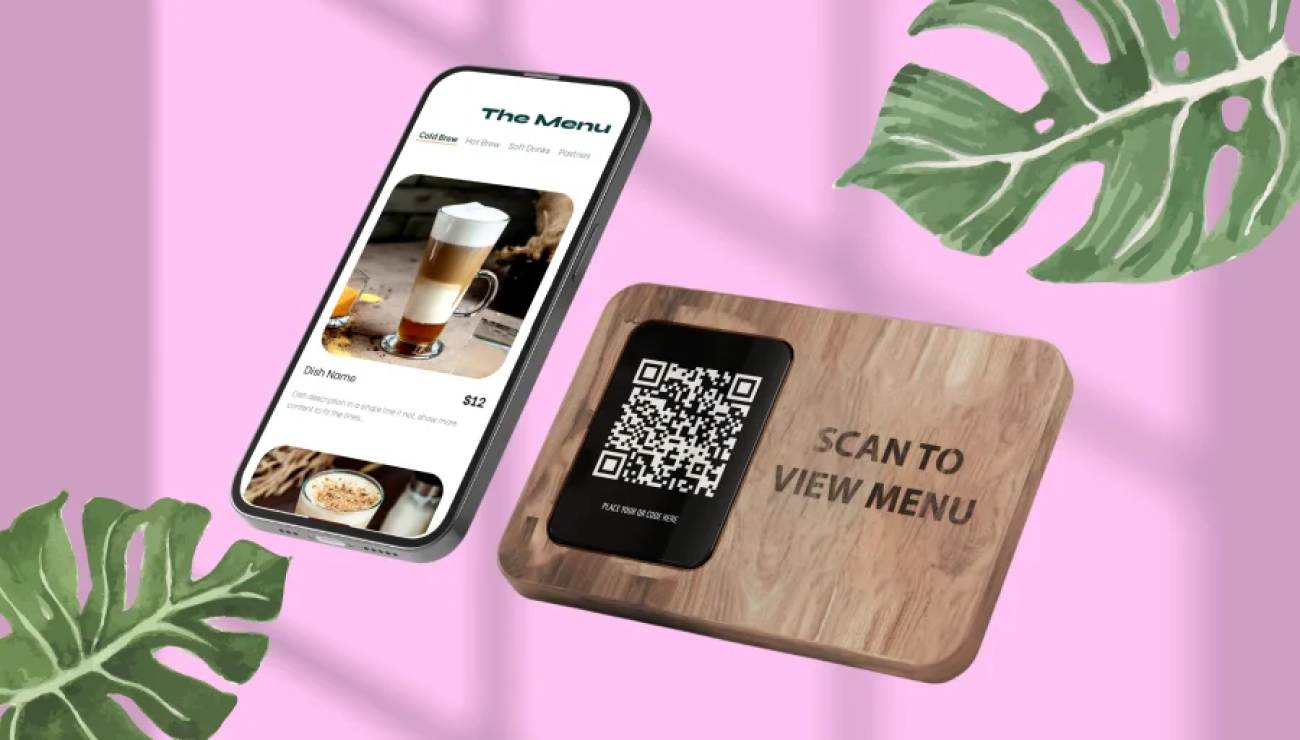
A bare square says nothing to many guests. Add a short call to action: "Scan for the menu" — and a second language in tourist areas.
5. Put It Where Guests Look
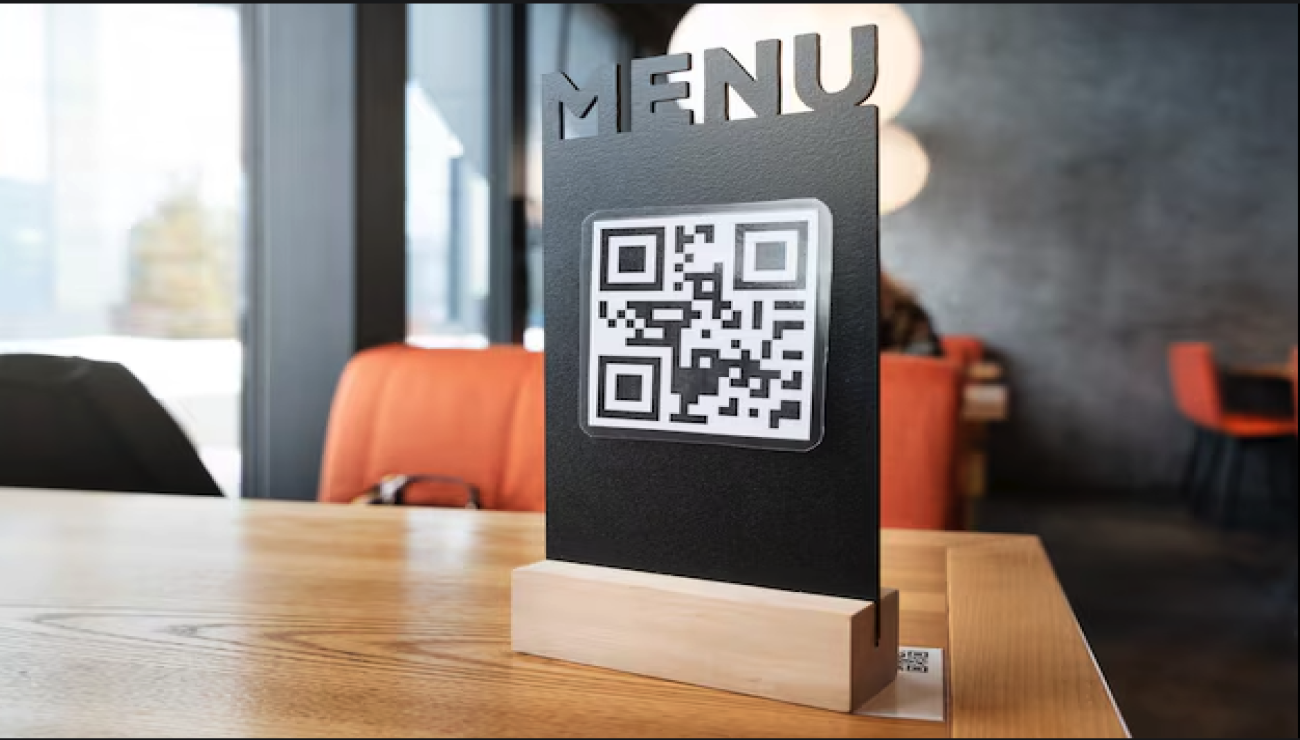
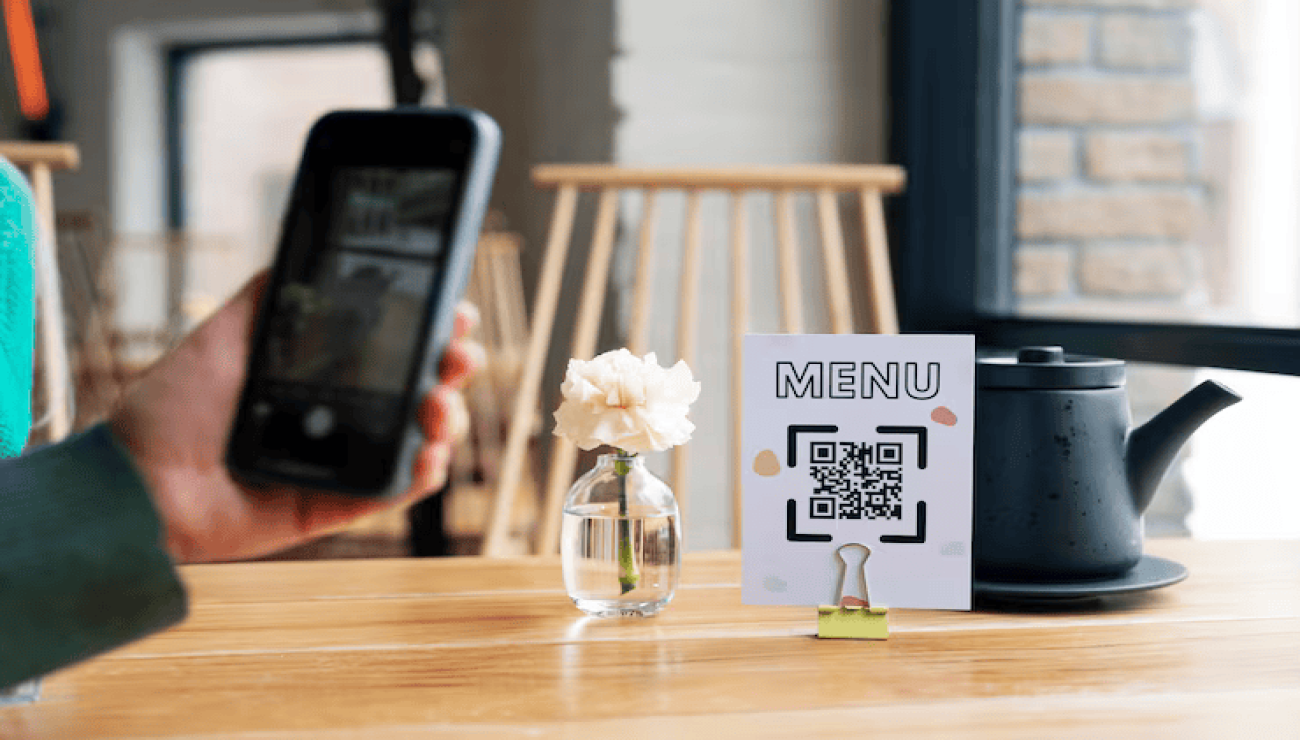
The best spot is what guests see the moment they sit down: a table stand, next to the napkin holder or the middle of the table — never hidden behind the salt and pepper.
6. Avoid Glare
Glossy lamination reflects light and cameras fail to focus. Choose matte finishes and test under the actual ceiling lights.
7. One Code per Table (When Needed)
If you take orders at the table, a table-specific code tells you exactly which table ordered. QRiMenu can generate table-specific QR codes.
8. Test with Real Phones
Before printing, scan with at least three phones — old and new, iPhone and Android — in the real lighting. If it does not open within 5 seconds, guests give up.
With a dynamic QR menu the code stays the same while the menu behind it changes, so price updates never require reprinting. Create a free QR menu and design your own QR code with your logo and colors.